
• LogoSongmuse
  • Home
  • Create
Tools
Discover
  • Pricing
LogoSongmuse
HomeCreateMy Creations
SongMuse NES chiptune tool

NES Music Maker

Use a NES music maker workflow to draft original chiptune loops with pulse leads, triangle bass, noise drums, and game-scene structure.

nes music maker

A NES chiptune maker for focused game drafts

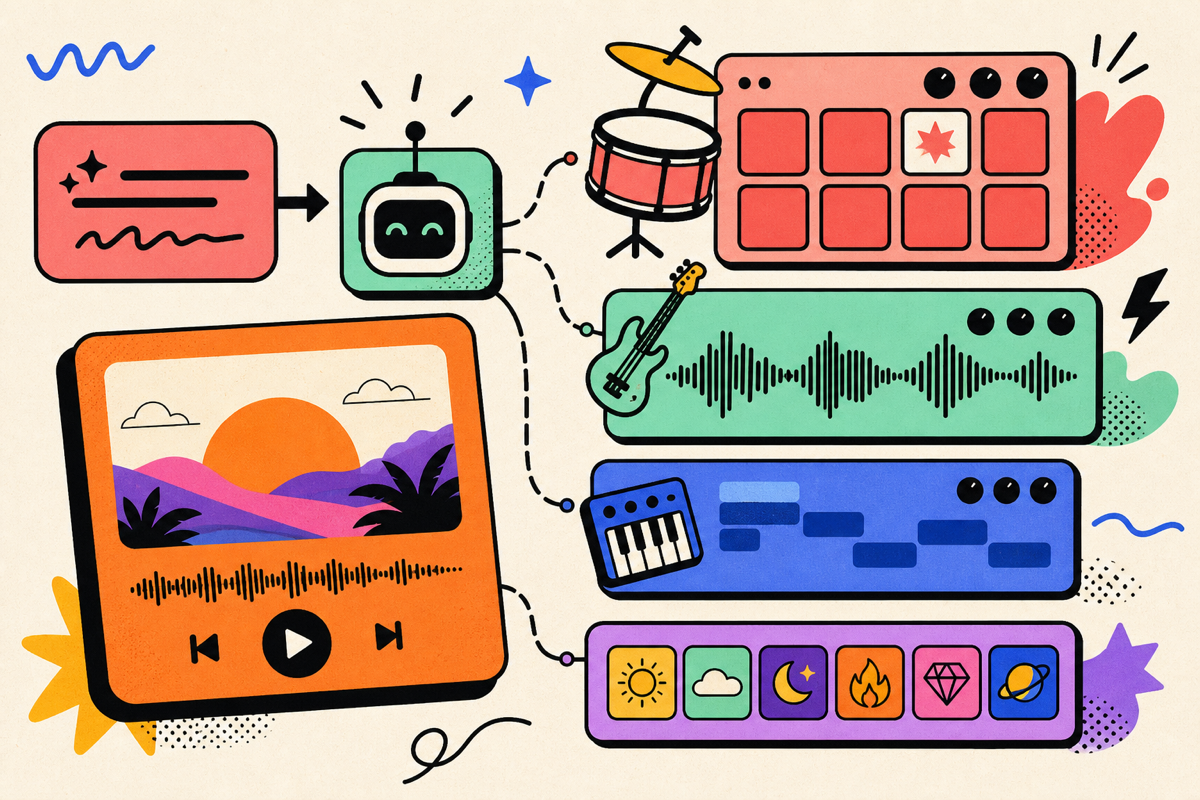
A NES music maker should do more than say retro. SongMuse helps you write a precise NES-style brief: pulse-wave hooks, triangle bass movement, noise-channel drums, quick arpeggios, and a loop point that feels ready for a menu, stage, boss, shop, or credit scene.

SongMuse NES music maker workflow for chiptune prompts

NES sound language

Separate NES chiptune from generic 8-bit prompts

The workflow starts with the console sound idea first. Instead of asking for broad pixel music, define lead pulses, counter melody, triangle bass, noise percussion, and the amount of arpeggio sparkle. That gives the generated draft a clearer game-console identity.

  • Write pulse 1 as the main melody and pulse 2 as harmony, echo, or countermelody
  • Use triangle bass for steady roots, walking motion, or dramatic boss tension
  • Describe noise drums as kick-like thumps, snare bursts, hats, fills, and impact hits
SongMuse NES music maker workflow for chiptune prompts

Scene-first writing

Build loops for real game moments

A NES music maker prompt works best when the scene is specific. Tell SongMuse whether the music is an overworld run, a title screen, a shop, a puzzle room, a boss fight, a victory sting, or a credit roll, then set tempo, loop length, intensity, and emotional color.

  • Overworld themes can be bright, heroic, compact, and easy to loop
  • Boss cues can push faster pulse patterns, darker bass, and heavier noise hits
  • Menu and shop loops can stay short, playful, and less rhythmically crowded

NES chiptune workflow

What to include in a NES chiptune brief

The more you assign roles, the less the NES music maker sounds like a vague retro filter.

Pulse leads

Main hook, second melody, octave echo, chord stabs, or fast arpeggio figures.

Triangle bass

Root notes, walking bass, pedal tone, heroic climb, or tense low pattern.

Noise drums

Dry snare, crunchy hats, kick-like hits, tom-style fills, and transition bursts.

Loop shape

Intro bar, A/B phrase, turnaround, clean loop point, and target duration.

How to use this NES music maker

  1. Step 1

    Pick the game scene

    Start the NES music maker prompt with overworld, dungeon, boss, title screen, shop, menu, ending, or cutscene.

  2. Step 2

    Assign channel roles

    Describe pulse leads, triangle bass, noise drums, tempo, arpeggios, and how busy each part should feel.

  3. Step 3

    Generate and tighten

    Create the draft, then refine loop length, melody density, bass motion, percussion hits, and scene energy.

What to create with NES chiptune prompts

nes music maker prompts
NES chiptune song ideas
retro game loop generator
pulse wave melody drafts
triangle bass chiptune prompts
noise drum game music

NES Music Maker FAQ

What does this NES chiptune tool create?

It creates original SongMuse drafts and prompts for NES-style chiptune music, with pulse leads, triangle bass, noise drums, arpeggios, and loopable game-scene structure.

Is this an official NES tracker or NSF exporter?

No. SongMuse is a song-generation workflow, not an official Nintendo tool, tracker, or NSF file exporter. Use it to design and hear original music ideas before arranging them elsewhere if needed.

How is this different from an 8-bit music generator?

A general 8-bit prompt can mean many consoles and arcade styles. This NES music maker focuses on NES-style channel roles: pulse melodies, triangle bass, noise drums, compact loops, and game-scene cues.

Can I make boss music or overworld music?

Yes. Name the scene, BPM, mood, loop length, melody density, percussion intensity, and whether the cue should feel heroic, tense, playful, spooky, or triumphant.

Can it copy famous NES game music?

Use original references instead of asking for a clone. Describe pace, scene, instruments, channel roles, and emotional color without copying a known melody, title, or character.

What is a good NES music maker prompt?

Mention the game scene, BPM, pulse lead, pulse harmony, triangle bass, noise drums, arpeggio amount, target loop length, and originality boundaries.

LogoSongmuse

Songmuse is an AI song generator and AI music generator that turns a short prompt into a full studio-ready track with lyrics, vocals, and production in under a minute.

Featured on Findly.toolsFeatured on Findly.toolsListed on Turbo0Featured on FoundrListDang.aiFeatured on LaunchIgniterFeatured on HuntifyAIFeatured on ToolPilot
Product
  • Pricing
  • My Creations
AI Tools
  • Lyrics to Song
  • Background Music
  • AI Remix Maker
  • AI Beat Generator
  • AI Lyrics Generator
  • Song Lyrics Generator
  • Rap Lyrics Generator
  • Music Maker Online
  • AI Beat Maker
  • Trap Beat Maker
  • AI Song Lyrics Generator
  • Online Beat Maker
  • Chord Progression Generator
  • Rhyme Generator
  • Chord Generator
  • Piano Chord Generator
  • Web Harmonium
  • More Tools
Chords
  • Amazing Grace Chords
  • Twinkle Twinkle Little Star Chords
  • Hark the Herald Angels Sing Chords
  • Away in a Manger Chords
  • O Come All Ye Faithful Chords
  • Joy to the World Chords
  • Be Thou My Vision Chords
  • Come Thou Fount Chords
Resources
  • Blog
Legal
  • Cookie Policy
  • Privacy Policy
  • Terms of Service
ยฉ 2026 Songmuse. All rights reserved.