
• LogoSongmuse
  • Home
  • Create
Tools
    • Lyrics to Song
    • Background Music
    • AI Remix Maker
    • AI Beat Generator
    • AI Lyrics Generator
    • Song Lyrics Generator
    • Rap Lyrics Generator
    • Music Maker Online
    • AI Beat Maker
    • Trap Beat Maker
    • AI Song Lyrics Generator
    • Online Beat Maker
    • Chord Progression Generator
    • Rhyme Generator
    • Chord Generator
    • Piano Chord Generator
    • More Tools
Discover
  • Pricing
LogoSongmuse
HomeCreateMy Creations
SongMuse tool

AI Remix Maker

Use SongMuse as an AI music remixer or AI song remixer for one source track: choose audio, describe a new style, and save the new version.

AI remix maker

An AI remix maker for one clear source track

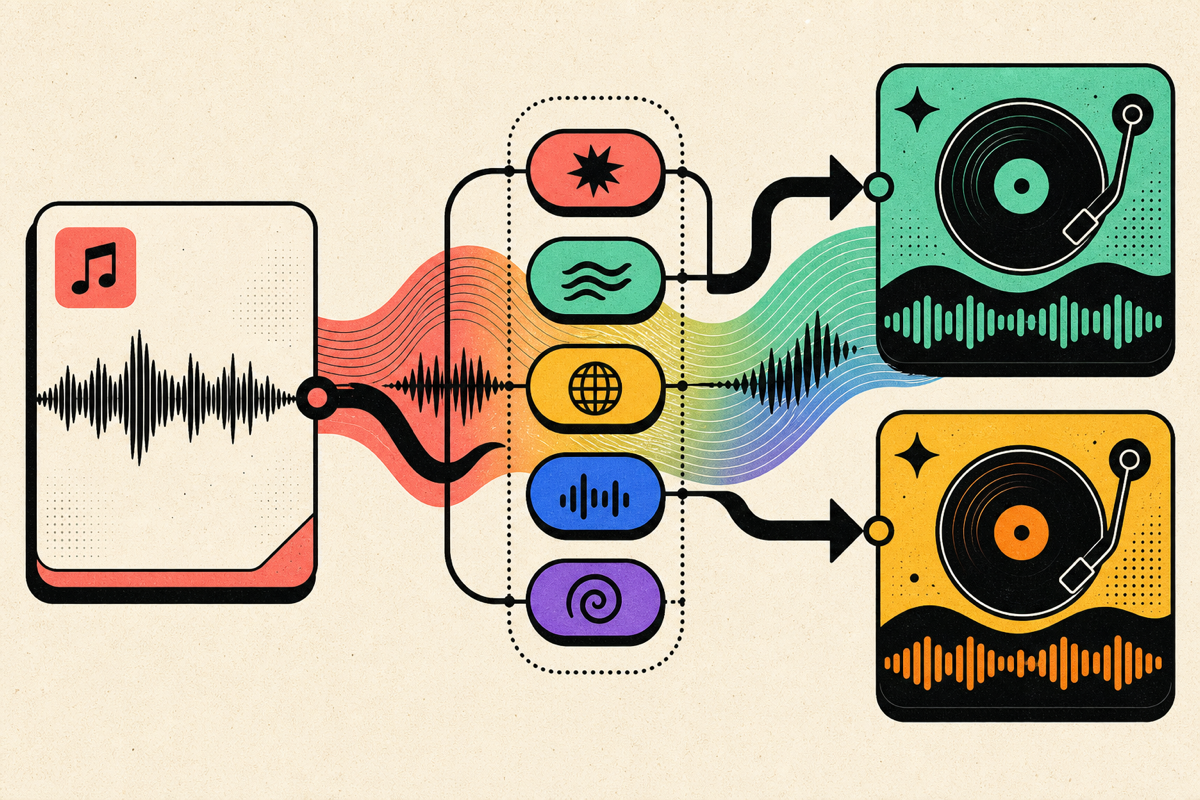
This AI remix maker focuses on transforming a single source song into a new style. It is the right SongMuse page for AI music remixer and AI song remixer intent when you want a new version, not a multi-song mashup or stem-separation workstation.

AI remix maker source track illustration

Source aware

Choose the track before you shape the remix

The AI remix maker starts with a source song, then lets you guide style, mood, and production. It is built for fast, focused AI music remixer drafts with a clean single-source workflow.

  • Select from My Creations or upload local audio
  • Guide the remix with styles and a short direction
  • Keep the remix output in the same creation library
AI remix maker source track illustration

Clear scope

Remix without promising a full DJ workstation

SongMuse keeps the AI song remixer scope clear: one source track, one style direction, and a clean generated remix that is easy to compare with the original.

  • Best for alternate genres and production feels
  • Good for social edits and creative variants
  • Source and result stay easy to compare

AI remix maker guide

A streamlined AI remix workflow

The AI remix maker is intentionally focused. It creates a new version from one source track and one style direction. It does not claim DJ mashup, automatic stem separation, BPM sync, or key sync workflows that are not part of the current product.

Supported

One source track, custom style direction, local upload, AI song remixer prompts, and saved remix output.

Single-source remixing

Focus one source track into a new style direction.

Honest remix scope

Keep the creative focus on source selection, style direction, and the generated remix result rather than mashup or stem-splitting claims.

Best use

Try genre flips, mood changes, alternate energy levels, and refreshed demos.

How to use this AI remix maker

  1. Step 1

    Choose a source

    Pick a song from My Creations or upload a local audio file.

  2. Step 2

    Describe the remix

    Add genre, energy, instruments, and production direction.

  3. Step 3

    Generate the remix

    Create the remix and review it from My Creations.

What to create with the AI remix maker

Turn a ballad into a dance remix
Try a darker alternate version
Make a brighter social edit
Explore new production styles
Refresh an older demo
Create remix variations for testing

Related tools

Keep building with SongMuse

Lyrics to Song

Turn finished lyrics into a complete AI song with vocals, arrangement, style, and a saved track in My Creations.

AI Beat Generator

Generate instrumental beat demos from a prompt, with drums, bass, melody, mood, and genre direction in one simple workflow.

AI Background Music Generator

Create instrumental background music for videos, podcasts, games, ads, and presentations without vocals getting in the way.

AI Remix Maker FAQ

Can this mash up multiple songs?

No. SongMuse currently treats remixing as one source track plus one new style direction. True mashups need multi-audio upload, stem separation, BPM/key sync, and mixdown.

Is this also an AI music remixer or AI song remixer?

Yes. Use this page when you want to create a new version of one song or music draft with a different genre, mood, or production direction.

Can I upload local audio?

Yes. You can upload local audio from the source picker, then generate a remix from that source.

What should I write in the remix prompt?

Write the new style, energy, instruments, and mood. For example, ask for a club remix, acoustic version, darker edit, or brighter pop production.

Why do I need a source track?

A remix needs an original track to transform. Choose from My Creations or upload local audio.

Will the remix replace my original song?

The AI remix maker creates a new result and keeps it separately in My Creations, so the source stays available.

Can I remix unfinished songs?

Wait until the source audio is ready. Tracks that are still generating may not be available for remix yet.

LogoSongmuse

Songmuse is an AI song generator and AI music generator that turns a short prompt into a full studio-ready track with lyrics, vocals, and production in under a minute.

Featured on Findly.toolsFeatured on Findly.toolsListed on Turbo0Featured on FoundrListDang.aiFeatured on LaunchIgniterFeatured on HuntifyAIFeatured on ToolPilot
Product
  • Pricing
  • My Creations
AI Tools
  • Lyrics to Song
  • Background Music
  • AI Remix Maker
  • AI Beat Generator
  • AI Lyrics Generator
  • Song Lyrics Generator
  • Rap Lyrics Generator
  • Music Maker Online
  • AI Beat Maker
  • Trap Beat Maker
  • AI Song Lyrics Generator
  • Online Beat Maker
  • Chord Progression Generator
  • Rhyme Generator
  • Chord Generator
  • Piano Chord Generator
  • Web Harmonium
  • More Tools
Chords
  • Amazing Grace Chords
  • Twinkle Twinkle Little Star Chords
  • Hark the Herald Angels Sing Chords
  • Away in a Manger Chords
  • O Come All Ye Faithful Chords
  • Joy to the World Chords
  • Be Thou My Vision Chords
  • Come Thou Fount Chords
Resources
  • Blog
Legal
  • Cookie Policy
  • Privacy Policy
  • Terms of Service
ยฉ 2026 Songmuse. All rights reserved.
Choose a source song
Pick a song from My Creations to use this tool.